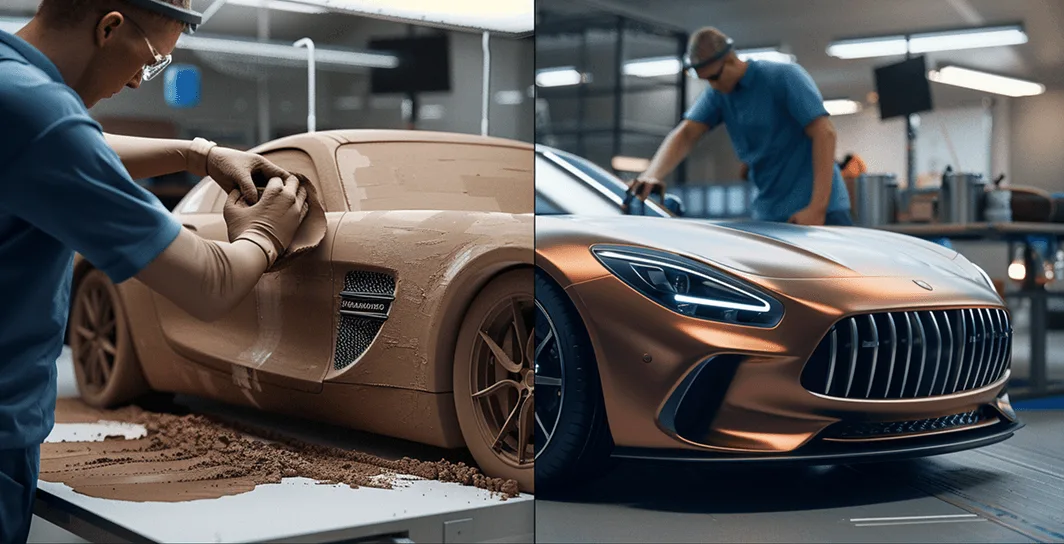
Lack of context
Teams rely on static screenshots and slide decks
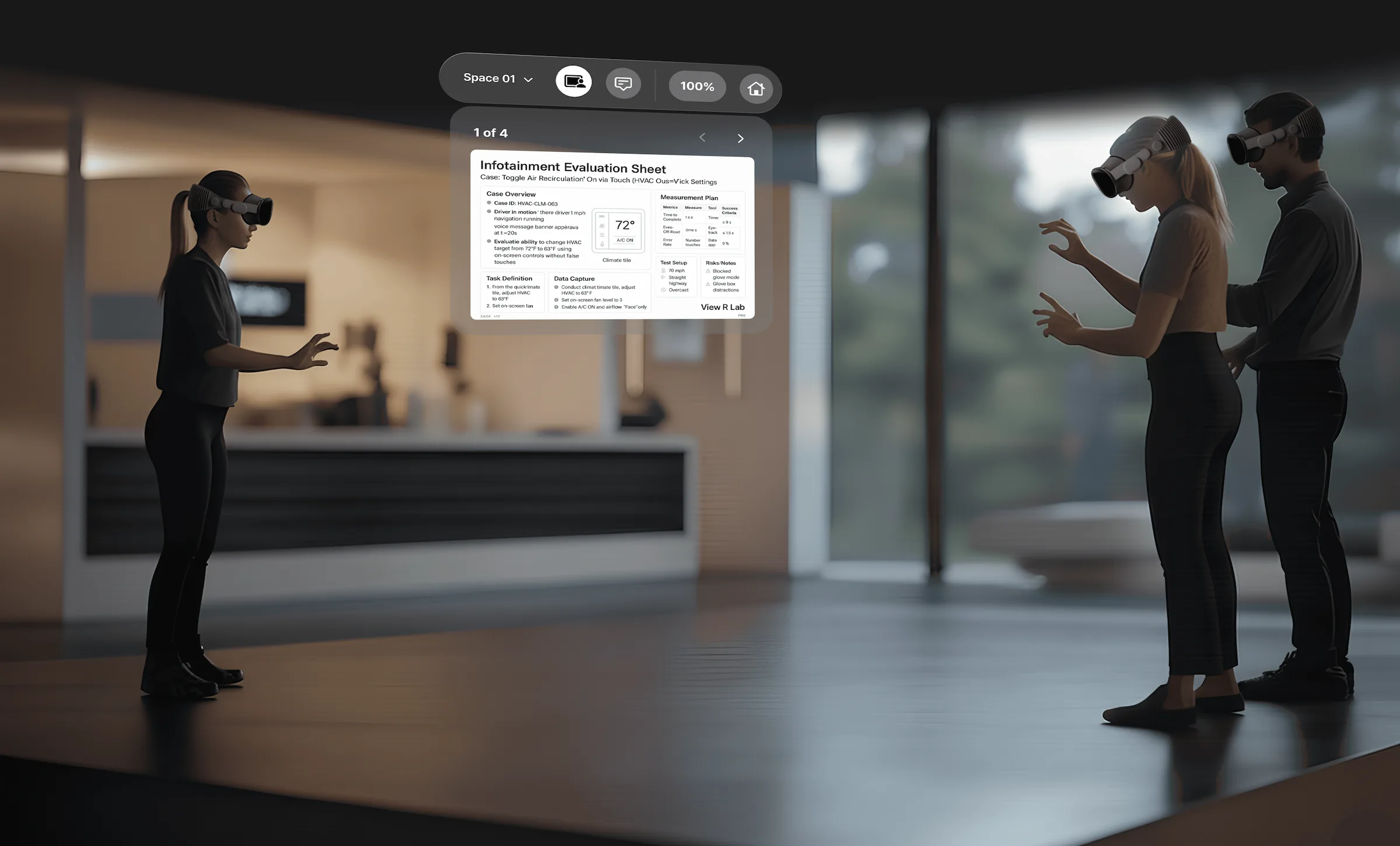
Why save your best designs for a quarterly event? View R replaces heavy, setup-intensive VRED/UnrealEngine pipelines with an instant XR workflow. No dedicated VR rooms, no expert calibration—just professional-grade validation right at your desk, every single day.Why save your best designs for a quarterly event? View R replaces heavy, setup-intensive VRED/UnrealEngine pipelines with an instant XR workflow. No dedicated VR rooms, no expert calibration—just professional-grade validation right at your desk, every single day.
Trusted by Industry Leaders


Teams rely on static screenshots and slide decks
CAD, documents, and feedback stay siloed
Prototype-level issues only surface after costly builds
XR exists, but current tools are too complex for everyday use
Step 01
Step 02
Step 03
Catch fit, Clearance, Ergonomics, HMI issues early
Step-by-step procedural walkthroughs with 3D + Docs
Walk the layout before it’s built. Check reach & access
Align on cells, Conveyors, Reach at full scale
Built by automotive + XR engineers with cockpit/HMI program experience
.step, .igs, .fbx, .blend, .usdz, .glb
PC browser and Apple Vision Pro (no Mac sideloading)